
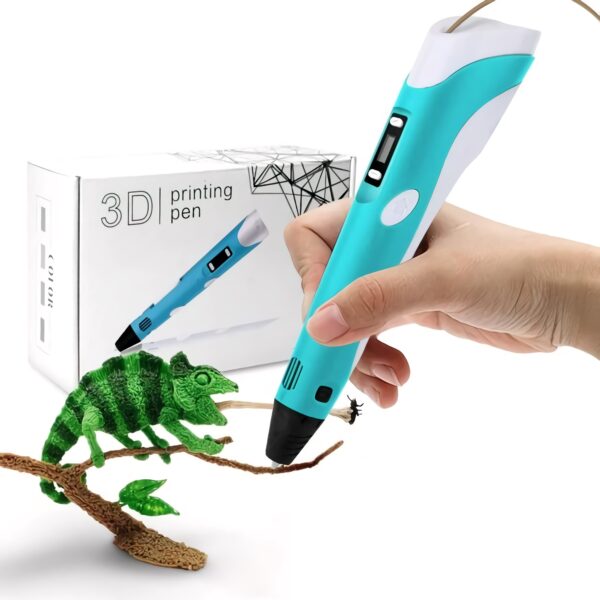
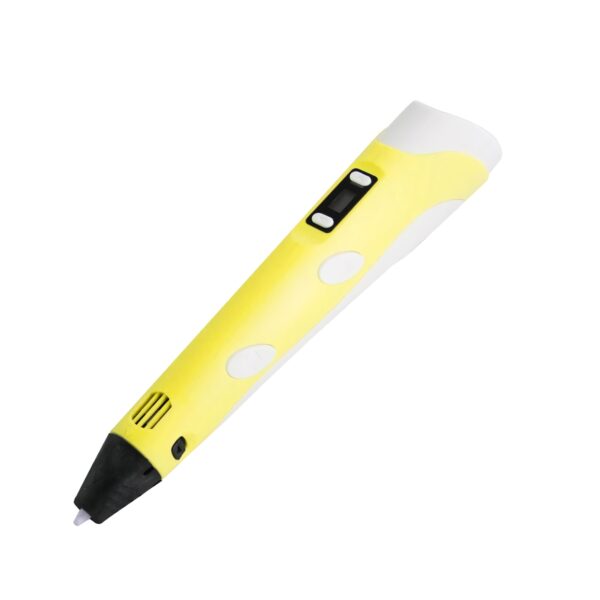
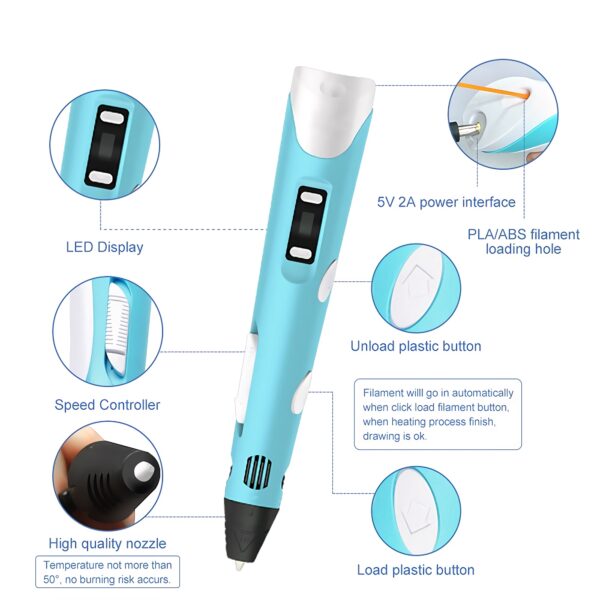
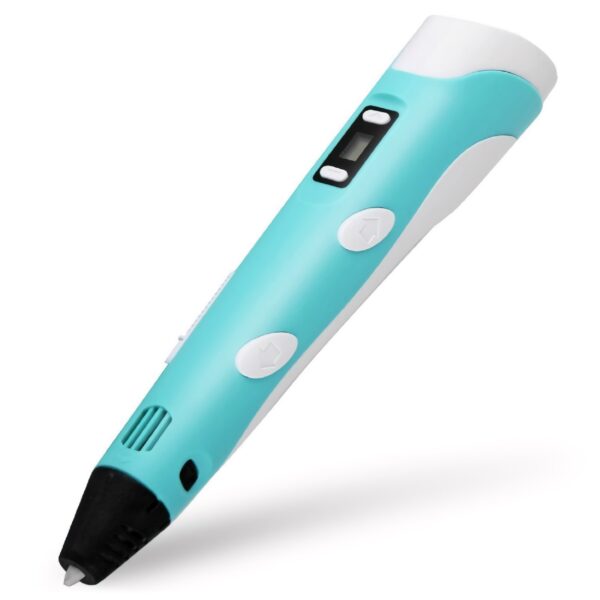


3D Printing Pen DIY Drawing Pen with LCD Display with 13 PLA Filaments for Kids Adults
$24.99
10 in stock
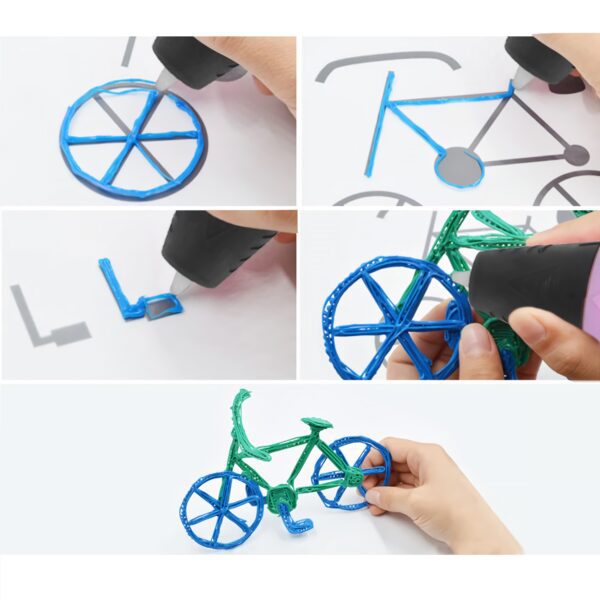
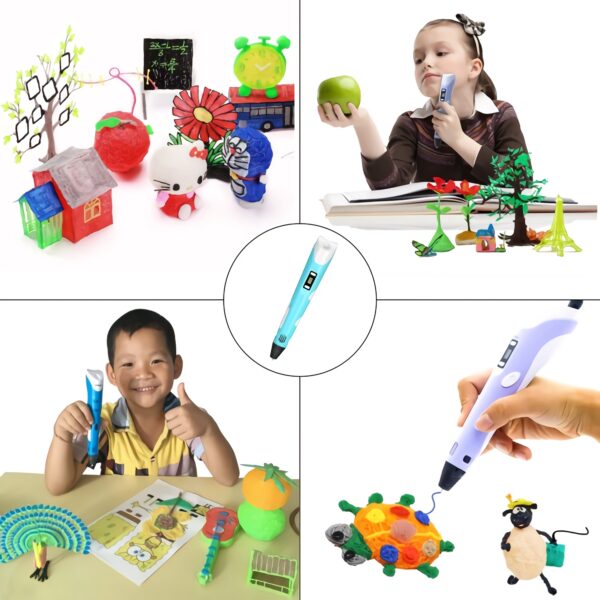
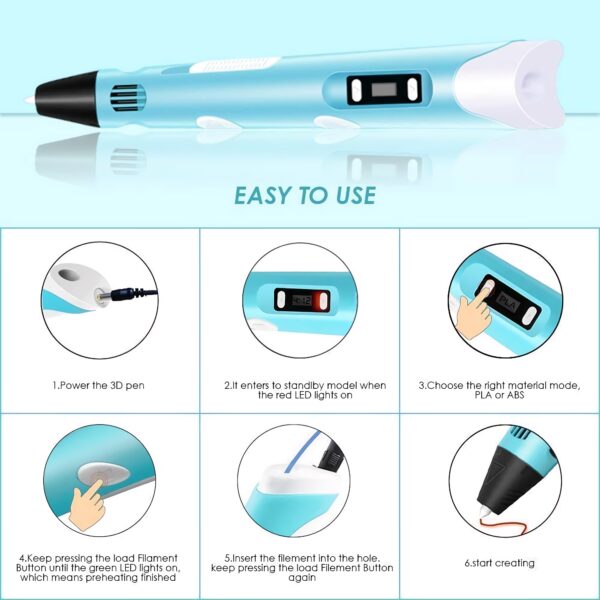
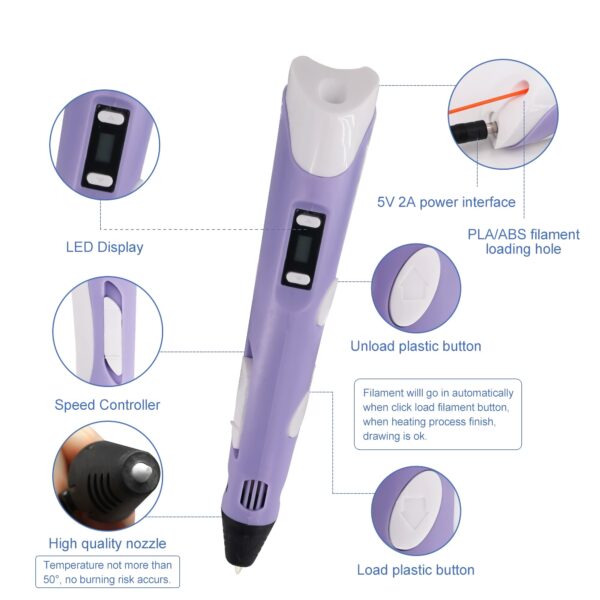
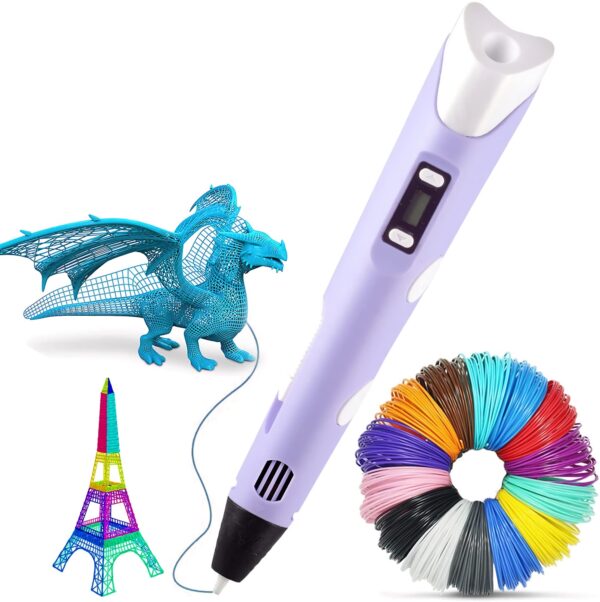
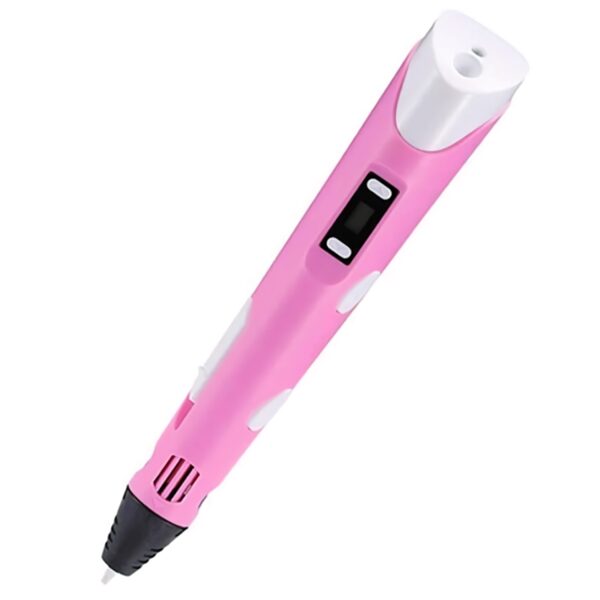
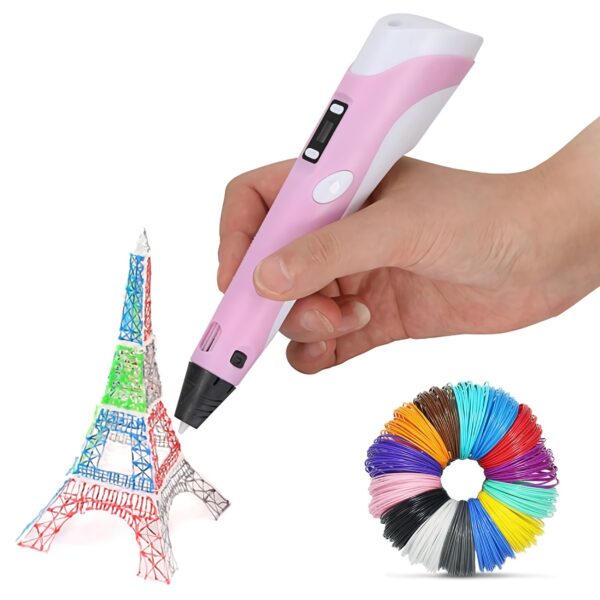
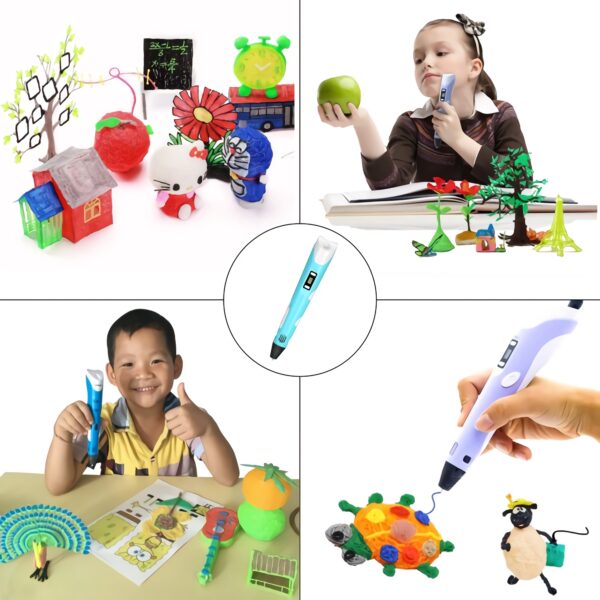
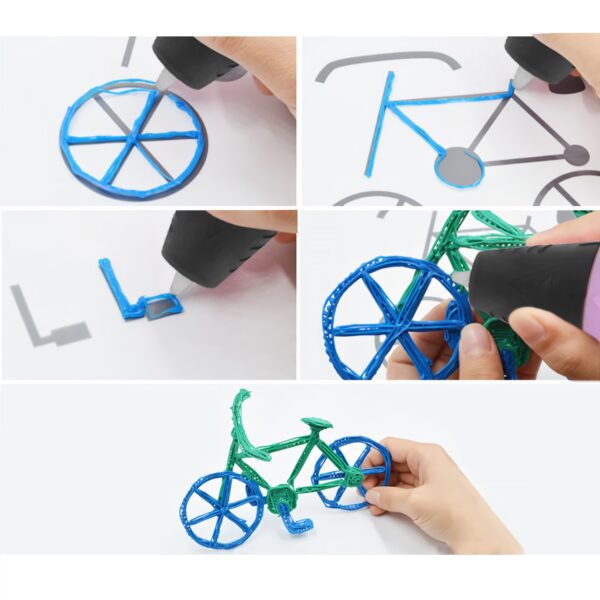
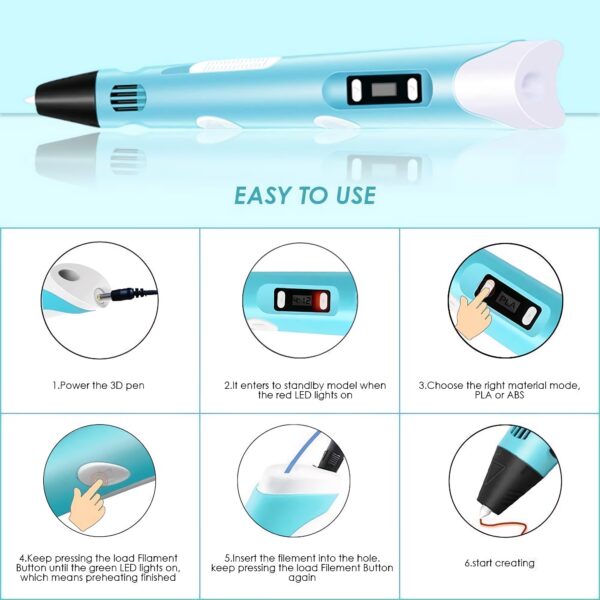
This 3D Pen provides a seamless doodling drawing and writing experience. Simply plug-in, heat up, automatic feed, and extrude and enjoy the fun experience of creating artistry works. Great for beginners and experienced artists and/ or 3D enthusiasts.Kids/ Adults 3D Pen: 3D printing pen extrudes heated plastic which instantly hardens, allowing you to literally draw in 3 Dimensions, freehand or on paper.Easy Use and Auto Shutoff - 3D printing pen is light and slim, easier to handle. Fast boot setup in just 30 seconds gets you drawing and creating quickly. You can easily control extrusion speed for smoother operation and endless creation. Pen will automatically shut down when not in use for over 5 minutes.Educational and Promotes Creativity: 3D Printing Pen is a perfect gift for children that helps improve their spatial thinking ability and develops creative imaginations. Its a great way for parents and kids to spend quality time together.Adjustable Temperature and Speed: Use the adjustable buttons to control the speed and temperature.The pen features a LCD screen that lets you monitor the temperature of material and extrusion speed. Perfect for any task, from slow, intricate projects to faster infill work.PLA Filament: 3D Printing Pen is compatible with both 1.75mm ABS and PLA Filament. Package includes 13 x 15M PLA FilamentsPackage Contents1 x 3D Pen1 x Pen Holder1 x Usb Cable3 x 5M Filament (3 Colours)1 x User Manual"Material: ABSColour: Blue, PinkFilament Diameter: 1.75mmTemperature Range: 160-235 Degrees CelsiusProduct Size:Package Size: 20 x 13 x 6.5 cm"How to UseStep 1: Power the 3D PenStep 2: When the red light is on, it means the pen is in standby modeStep 3: Choose the desired material mode, PLA or ABSStep 4: Press the load filament button until the light flashes green, this means preheating is finishedStep 5: Insert the filament into the hole while pressing the load filament buttonStep 6: Start drawing"
Related products
-
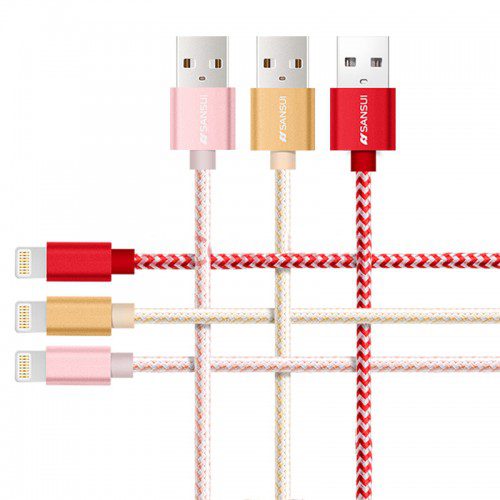
3 pcs Apple 2M Lightning Charging Data Transmission Nylon Cable for iPhone 7/7 Plus/ 6/6 Plus/6s/ 6s Plus
$14.99 -
3 pcs Apple 1.5M Lightning Charging Data Transmission Nylon Cable for iPhone 7/7 Plus/ 6/6 Plus/6s/ 6s Plus
$11.99 -
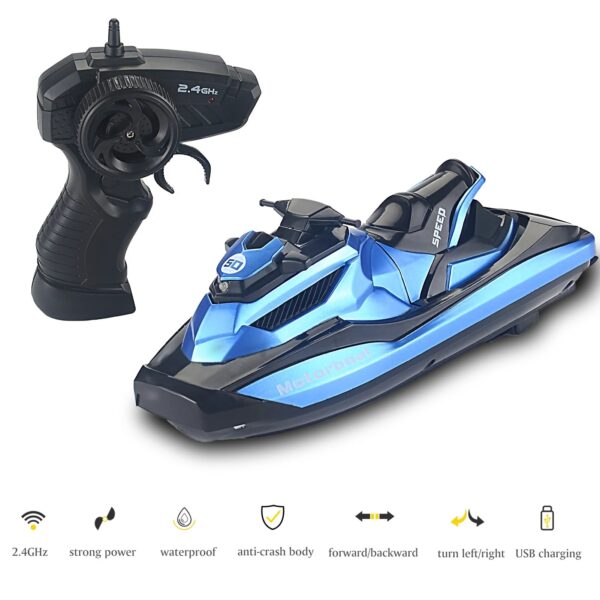
2.4GHz RC Motorboat 1/47 RC Racing Speedboat Pool Lake Toy
$39.99 -
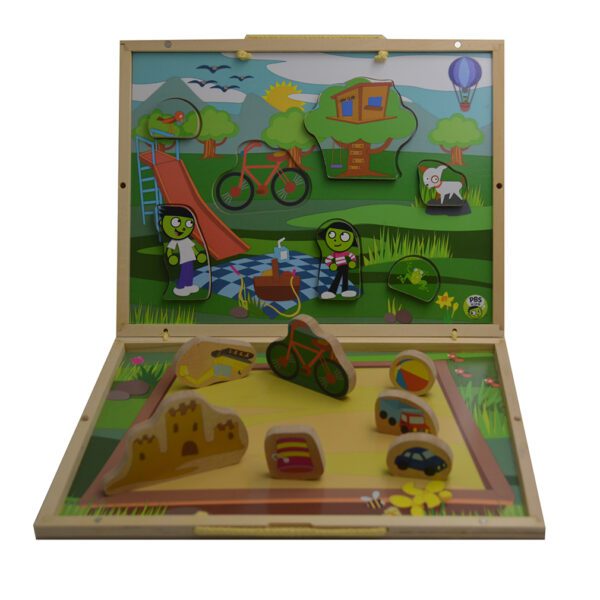
2 Set PBS Take Along Puzzle Playset Explore the playground,Pack of 1
$16.44
Reviews
There are no reviews yet.